
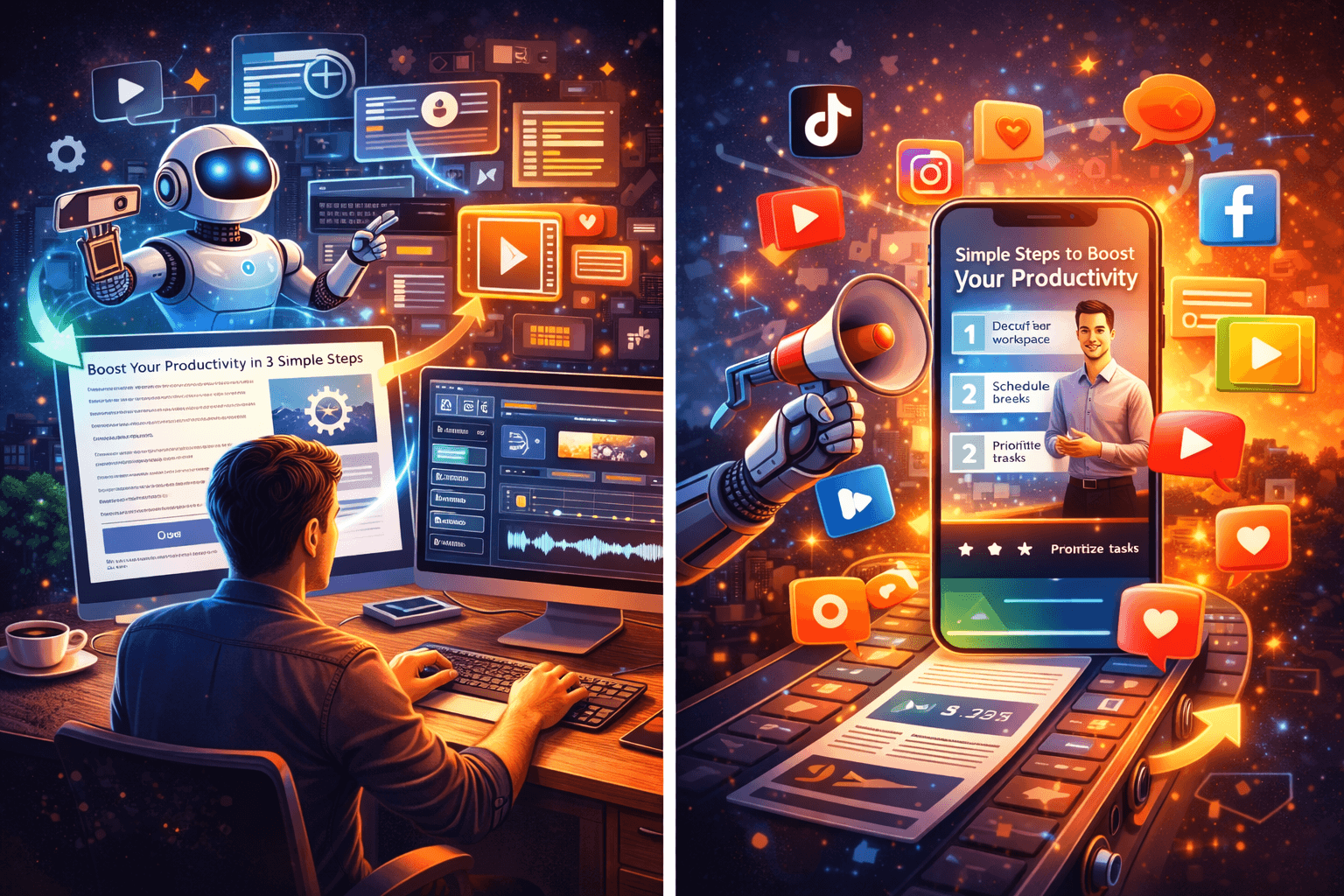
Have you ever wanted to turn your blog posts into short marketing videos that actually drive engagement?
Using AI to Turn Blog Posts Into Short Marketing Videos That Drive Engagement
You can repurpose long-form written content into several short, engaging video formats using AI tools that speed up scripting, visuals, voiceover, and editing. This article walks you through the why, what, and how so you can consistently produce high-performing video content from posts you already own.
Why repurpose blog posts into short videos
Repurposing helps you reach audiences who prefer video over text, and it increases the return on the effort you put into each blog post. You’ll extend the lifespan of ideas, make content more accessible, and multiply distribution opportunities across social platforms.
Major benefits of using AI for the conversion
AI removes manual bottlenecks like writing tight scripts, selecting visual assets, and generating voiceovers at scale. This saves time, reduces cost, and makes it realistic for small teams or solo creators to publish video content frequently.
Types of marketing videos you can create from a single post
Different video formats serve different goals and platforms, and a single post can supply material for multiple formats. Here are common types you should consider and how they map to marketing outcomes:
- Teaser clips that spark curiosity.
- Short summaries that convey core value quickly.
- How-to snippets that demonstrate utility and build trust.
- Quote-driven visuals that highlight compelling insights.
- Longer explainer videos that expand on one idea with examples.
Choosing the right blog posts to convert first
Start with posts that already perform well in search or social, have clear actionable takeaways, or contain lists and step-by-step content. Those formats naturally compress into concise video segments and have proven audience interest.
How AI helps at each stage of the workflow
AI can support you at every step: identify the best posts to repurpose, summarize content, write short scripts, create storyboards, generate or select visuals, produce voiceovers, add captions, and even edit clips together. Using AI strategically reduces repetitive tasks and keeps your creative energy focused on messaging and testing.
A practical end-to-end workflow
You can split the workflow into repeatable stages that scale:
1) Select and prioritize content
Decide which posts to convert based on metrics like page views, time on page, and organic shares. Prioritizing high-performing posts increases the likelihood that your videos will resonate with a ready audience.
2) Extract and summarize the core message
Use AI summarization to pull out the main points and supporting bullets from a post. This gives you a short, actionable script basis for different video lengths.
3) Create short scripts tailored to platform and length
AI can turn summaries into hooks, middle content, and CTAs for 15s, 30s, 60s, and 120s formats. Create multiple script variants to test which phrasing and structure performs best.
4) Storyboard scenes and choose visuals
Based on the script, map scenes (hook, context, proof, CTA) and match visuals like stock clips, screen captures, slides, or animated text. AI tools can recommend visuals or generate images that match your script.
5) Generate voiceovers and music
Text-to-speech models produce natural-sounding narration, and AI music tools create royalty-free background tracks tailored to mood and tempo. Use voice cloning only when you have rights and comply with platform guidelines.
6) Assemble and edit the video
AI-assisted editors can auto-sync voiceovers to clip cuts, generate captions, and apply templates for transitions and branding. Final human review refines timing, emphasis, and pacing.
7) Export in platform-specific aspect ratios
Produce versions for vertical (9:16), square (1:1), and horizontal (16:9) placements so you can post natively on TikTok, Instagram Reels, YouTube Shorts, LinkedIn, and your website. Tailoring aspect ratios increases engagement.
8) Caption, distribute, and monitor performance
Ensure captions are accurate and readable, write short post copy with a clear CTA, and schedule posts across platforms. Track metrics and iterate based on what the data shows.
Tools landscape: what kinds of AI tools you’ll use
There are several categories of tools you’ll likely combine. Each plays a specific role in the pipeline and choosing a toolset depends on budget, desired output quality, and scale.
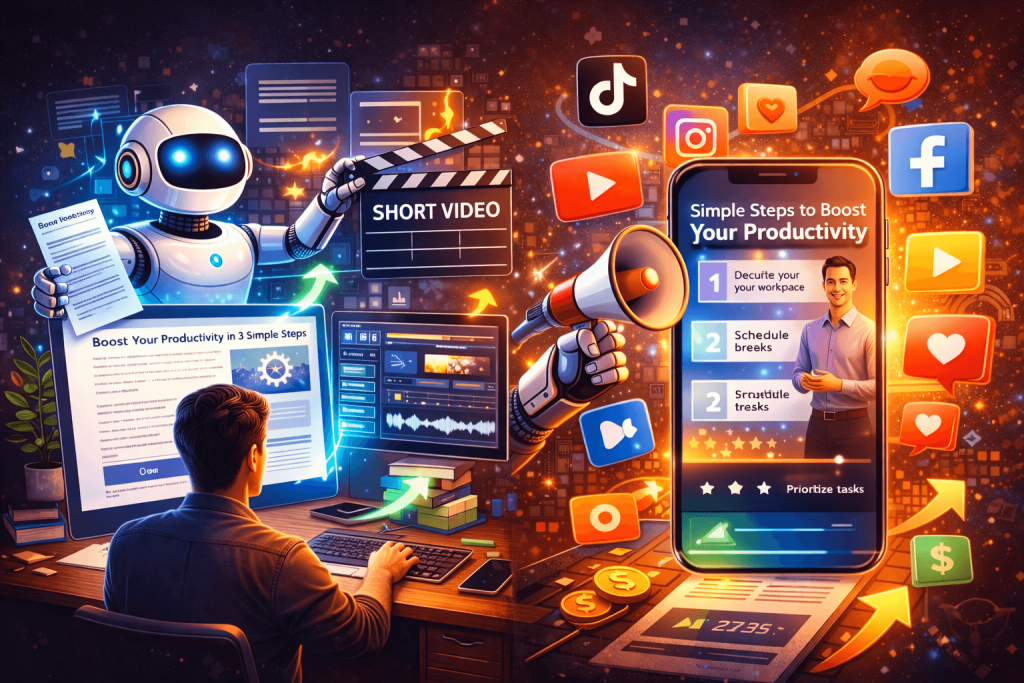
NLP and summarization
These tools extract core ideas and generate concise scripts from long articles. They help you identify key sentences and transform passive prose into active video copy.
Text-to-speech and voice synthesis
High-quality TTS engines render scripts into natural voiceovers and let you match tone, gender, and pace to the brand. Voice cloning can replicate a brand voice but requires legal consent.
Text-to-video and automated editors
Platforms can convert text or scripts directly into visual sequences using stock media, AI-generated assets, and templates. They often handle captions and basic motion graphics automatically.
Image and video generation
Generative image/video models create visuals when stock assets aren’t available, or to create stylized backgrounds, illustrated scenes, and motion assets.
Transcription and subtitle generators
These add accessibility and increase silent auto-play engagement by generating accurate captions and subtitles automatically.
Example tool names (categories only)
- Summarization & script generation: large language models and specialized summarizers.
- Voice & audio: advanced TTS engines, voice cloning providers, and royalty-free AI music.
- Video editing & assembly: automated text-to-video platforms, AI editors, and template services.
- Generative visuals: image/video synthesis models and stylization tools. Choose safe, reputable vendors and check licensing and privacy policies before using them for commercial content.
Video formats and lengths by platform
Different platforms reward different video lengths and styles, so format accordingly. Below is a short guide to help you match length and style to platform intent.
| Platform | Recommended length | Typical style |
|---|---|---|
| TikTok | 10–60 seconds | Fast hooks, trend-driven, captions, strong CTA |
| Instagram Reels | 15–60 seconds | Visually-driven, punchy message, branded hooks |
| YouTube Shorts | 15–60 seconds | Quick value, strong thumbnail/text overlay |
| 30–90 seconds | Professional tone, thought leadership, value-first | |
| 15–120 seconds | Native captions, shareable stories, mixed formats | |
| Website / Landing Page | 30–180 seconds | Clear value proposition, CTA to convert |
Script templates and examples
Templates make it easier to convert different parts of a post into video scripts quickly. Use modular scripts you can mix and match.
15-second teaser template
- Hook (first 3–4 seconds) that states a problem or surprising stat.
- One-line benefit that shows a quick result.
- CTA: a short nudge to learn more (link in bio, read the post).
Example: Hook: “Most people waste 2 hours a day on low-value tasks.” Benefit: “Here’s one tiny habit that gives you back 60 minutes.” CTA: “Check the full guide on the blog.”
60-second summary template
- Hook (3–5 seconds): attention-grabbing statement.
- Context (10–15 seconds): quick problem framing.
- 3 quick tips or steps (10–12 seconds each): provide actionable items.
- Closing CTA (5–8 seconds): direct next step.
Example: Hook: “Want an extra hour in your day without working longer?” Context: “Productivity isn’t about more tools — it’s about specific trade-offs.” Tips: “1) Batch notifications; 2) Set an email curfew; 3) Use two-minute rules.” CTA: “Read the full breakdown on the blog.”
2–3 minute explainer template
- Hook (5–8 seconds)
- Problem & stakes (20–30 seconds)
- Deep dive into 3–5 points with examples (30–90 seconds)
- Social proof or quick case study (15–30 seconds)
- CTA with next step (10–15 seconds)
These structured templates allow you to generate scripts automatically from summarized content.
Sample transformation: Blog paragraph to video scripts
This short demonstration shows how you can convert a paragraph into three video variants.
Original paragraph (example): “Batching emails, setting clear response times, and limiting notifications can significantly reduce cognitive switching and help you focus on high-impact work. Over time, these small changes compound into hours reclaimed each week and better overall performance.”
15-second script: Hook: “Stop losing hours to email and notifications.” Tip: “Batch emails and set response windows to regain focus.” CTA: “Read how on the blog.”
60-second script: Hook: “Are notifications wrecking your focus?” Context: “Constant context switching costs you serious time.” Steps: “Batch your email blocks, schedule one response window, and mute non-essential pings.” CTA: “See the examples and templates on the blog.”
2-minute script: Hook: “Your inbox might be stealing your best work hours.” Problem: “Every ping breaks your concentration and increases mistakes.” Details: “Set two focused email blocks, use labeled templates for replies, and turn off badge notifications on your phone.” Proof: “Professionals who adopt these steps report reclaiming 3–6 hours weekly.” CTA: “Follow the full method on the blog and download the checklist.”
Matching visuals to script
Visuals should support comprehension and keep attention. Use a mix of:
- Text overlays for key phrases.
- B-roll or stock footage that illustrates the idea.
- Animated icons to show steps or processes.
- Screen recordings for product or how-to segments.
- Quick cuts and zooms to maintain energy.
Table: Visual approach by video type
| Video Type | Visual focus | Visual examples |
|---|---|---|
| Teaser | Bold text + fast cuts | Stat on screen, quick b-roll, CTA overlay |
| Tutorial | Screen capture + step overlays | Screen flows, pointer highlights, short captions |
| Quote/Insight | Graphic text treatment | Bold typography, background motion, brand color |
| Case study | Mix of footage + captions | Before/after clips, testimonial quote cards |
| Explainer | Split-screen or motion graphics | Diagrams, animated icons, voiceover narration |
Branding and design consistency
Keep color palettes, fonts, and logo placements consistent across videos so viewers recognize your brand. Templates in AI tools can enforce brand guidelines automatically, speeding up the review and export process.
Captions, accessibility, and SEO benefits
Subtitles improve engagement because many viewers watch on mute. Accurate captions also improve accessibility for hearing-impaired viewers and aid search engines and platform algorithms in understanding video content.
Distribution and repurposing strategy
A single blog post can yield multiple clips: a short teaser for social, a mid-length summary for YouTube Shorts, a longer explainer for your website or LinkedIn, and highlight images for promotional posts. Repurpose across channels with minor edits for platform norms.
Metrics to track and how to interpret them
Track engagement metrics to see if your video content drives the desired behavior. Focus on:
- Views and watch time to measure initial interest and retention.
- Click-through rate (CTR) on CTAs for conversion interest.
- Engagement (likes, comments, shares) for social proof and virality potential.
- Traffic and conversion lift on your website for business outcomes.
A/B testing ideas
Test different hooks, thumbnail text overlays, CTAs, and video lengths. Change one variable at a time and measure the effect on view-through rate and CTR to get statistically useful insights.
Scaling and team roles
If you plan to scale, define roles and responsibilities:
- Content curator: selects posts and prioritizes.
- Script writer/editor: refines AI outputs for tone and brand.
- Visual editor: assembles clips and designs motion assets.
- Distribution manager: schedules and monitors performance.
- Analyst: reviews data and recommends optimizations.
Table: Task-to-tool checklist
| Task | What AI helps with | Typical tools |
|---|---|---|
| Post selection | Identify high-potential posts | Analytics + LLM summarizers |
| Summarization | Condense long posts | LLMs and summarizers |
| Script creation | Convert to short scripts | LLMs with prompt templates |
| Voiceover | Natural narration | TTS engines, voice synthesis |
| Visual generation | Stock or AI-created imagery | Stock libraries, generative art |
| Assembly & editing | Auto-synced editing, captions | Text-to-video platforms, AI editors |
| Publishing | Format variations & scheduling | Multi-platform schedulers |
Legal, privacy, and ethical considerations
Respect copyright and licensing when using third-party images, music, or video clips. Secure consent for voice cloning and personal data used in content. Be transparent if content is AI-generated where required by platform policies or regulations.
Quality control and human review
AI speeds production but human review ensures tone, factual accuracy, and brand safety. Always check for hallucinated claims, incorrect facts, or negligent transformations of your original content.
Cost and time considerations
Using AI dramatically reduces time per video, but costs can vary by tool and usage. Factor in subscription fees, asset licenses, and editing time. Estimate ROI by comparing production cost to expected traffic and conversions.
Practical tips to increase engagement
- Put your hook in the first 1–3 seconds to stop thumb scrolling.
- Use strong, readable text overlays for silent viewers.
- Keep scenes short and punchy—change the frame every 2–4 seconds for most social videos.
- Test both human VO and TTS; some audiences respond better to natural human cadence.
- Include a clear CTA that tells the viewer what to do next.
Accessibility best practices
Provide captions, readable text contrast, and avoid flashing effects. Offer transcripts and descriptive audio where possible. These practices expand reach and comply with accessibility norms.
Example content calendar approach
Plan 1–2 evergreen post conversions per week and a few topical pieces around current events or launches. Structure each week so you batch similar tasks: script writing on Monday, visuals on Tuesday, editing on Wednesday, publishing later in the week.
Troubleshooting common problems
- Video feels stale: vary visuals and script phrasing; add user-generated content or testimonials.
- Low watch time: tighten the hook and cut non-essential early content.
- Poor sound quality: re-record or regenerate voiceover using a higher-quality TTS voice or human VO.
- Copyright takedowns: verify asset licenses and replace infringing media immediately.
Future trends to watch
Expect generative video models to improve rapidly, enabling more bespoke visuals and character-driven explanatory clips. Personalization via AI (dynamic CTAs, localized messaging) will increase conversion potential as tools become easier to integrate.
Final checklist before publishing
- Does the hook grab attention in 1–3 seconds?
- Are captions accurate and legible?
- Is branding consistent and unobtrusive?
- Are CTAs clear and actionable?
- Are visuals copyright-cleared?
- Has a human reviewed factual claims?
Closing guidance
You can transform evergreen written content into a consistent video pipeline by combining AI summarization, script generation, voice synthesis, and automated editing. With a structured approach and ongoing testing, you’ll turn existing blog assets into a reliable source of short marketing videos that grow awareness, build trust, and drive conversions.
Additional resources to get started
Look for platform-specific tutorials on creating Reels, Shorts, and TikToks, and search for best-practice templates from reputable AI video providers. Start small with one post and one platform, refine your system, and then scale production while monitoring performance metrics to guide decisions.